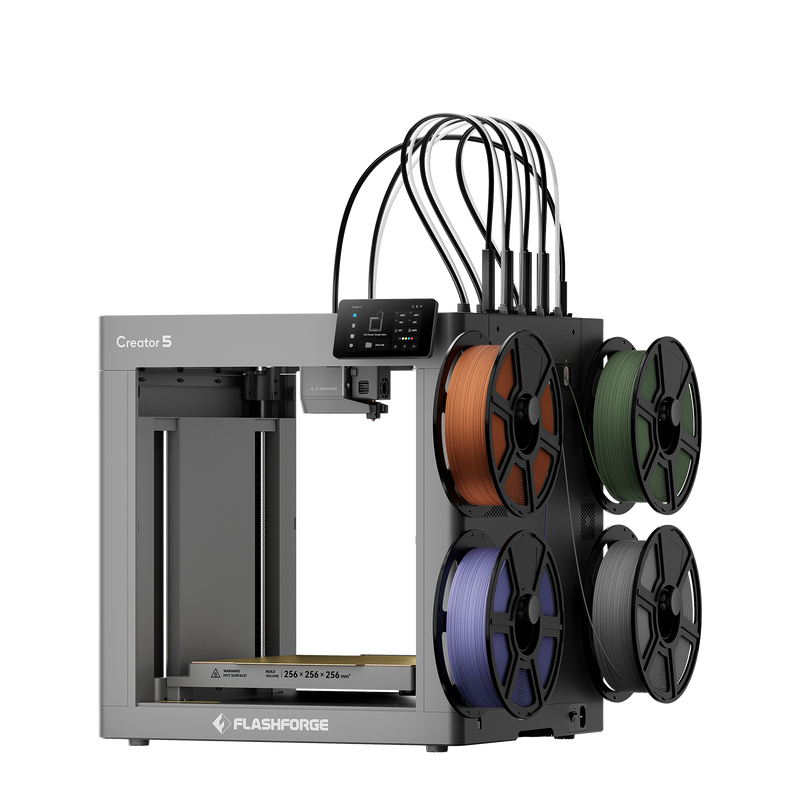

Hey everyone, welcome back to the workshop! If you follow my projects, you probably know I am completely obsessed with 3D printing. Over the last few years, I’ve had everything from bare-bones DIY kits that took me an entire weekend just to assemble, to massive industrial machines that cost more than my first car. But lately, people keep asking me about one specific brand: Flashforge. They want to know if these printers are actually good for everyday makers or if they are just overhyped.
Well, I decided to put my money where my mouth is. I’ve been putting a few different Flashforge machines through their paces in my garage for the last couple of months. I printed functional brackets, cosplay props for my niece, lots of benchies just to test tolerances, and even some tricky engineering filaments. In this write-up, I am going to break down everything I learned the hard way so you can decide if buying one makes sense for your setup.
How I First Got My Hands on a Flashforge Machine
Let me take you back a bit. A couple of years ago, I was at my absolute wit’s end. My old open-frame printer—which shall remain nameless—decided to warp a massive print twelve hours into a twenty-hour job. I was furious. I had filament spaghetti everywhere, my bed leveling knobs felt like they were mocking me, and I was spending more time tweaking settings in slicer software than actually making stuff.
A buddy of mine who runs a local robotics club told me to just chill out and buy something that works out of the box. He pointed me toward the Flashforge ecosystem. Skeptical but desperate for some peace and quiet, I ordered a mid-tier enclosed model.
Unboxing it was a totally different experience compared to the DIY kits I was used to. It came pre-assembled. Literally, I cut the straps, pulled out the foam, plugged it into the wall, and I was running my first test print within twenty minutes. No wrenching, no flashing custom firmware, no guessing if my Z-offset was right. It just printed. That was my turning point with the brand.
Setting Up and First Impressions
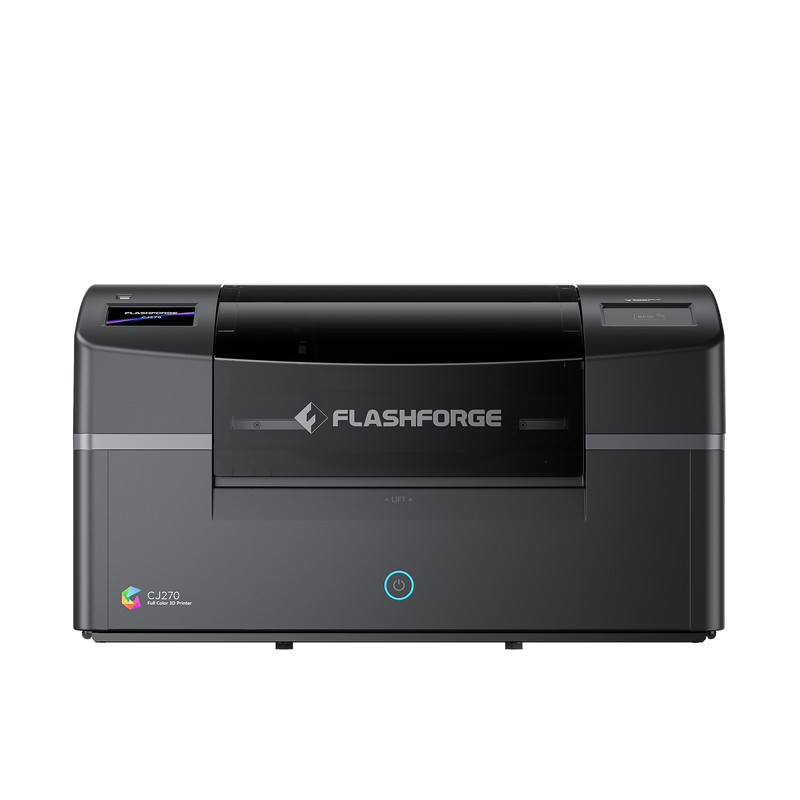
Fast forward to my recent tests. When you get a new machine from Flashforge today, the unboxing ritual is still remarkably smooth. They really focus on user-friendliness. The touchscreens are responsive, the menus make sense, and the build plates usually have a great magnetic texture that makes popping prints off super satisfying.
One thing I noticed immediately during my latest run is how quiet these newer models are. My older printers sounded like a dying robot orchestra whenever they were doing fast infills. The current lineup hums along quietly in the corner of my workspace. I can actually sit at my workbench and talk on the phone without having to shout over the cooling fans.
That said, it wasn’t 100% smooth sailing. On my second week, I ran into a filament jam because I tried to push some cheap, ancient PLA roll through a tighter Bowden setup. That wasn’t the printer’s fault—the roll was practically brittle—but clearing the nozzle required taking off the shroud. Thankfully, the way Flashforge designs their toolheads, it only took a couple of thumbscrews and hex keys. I was back up and running in ten minutes.
Real-World Testing: What Can You Actually Print?
Let’s talk about print quality, because that is what everyone cares about. Over the last month, I threw a variety of challenges at my test units. Here is a breakdown of how they handled different materials:
- PLA and PLA+: Absolute breeze. The cooling ducts on these machines do a fantastic job. Sharp overhangs, tiny miniature details, and smooth top surfaces came out looking crisp right out of the slicer.
- PETG: Usually, PETG is stringy and loves to stick to the nozzle. With a properly cleaned bed and a slightly bumped-up nozzle temperature, I got crystal-clear functional brackets without any messy spiderwebs.
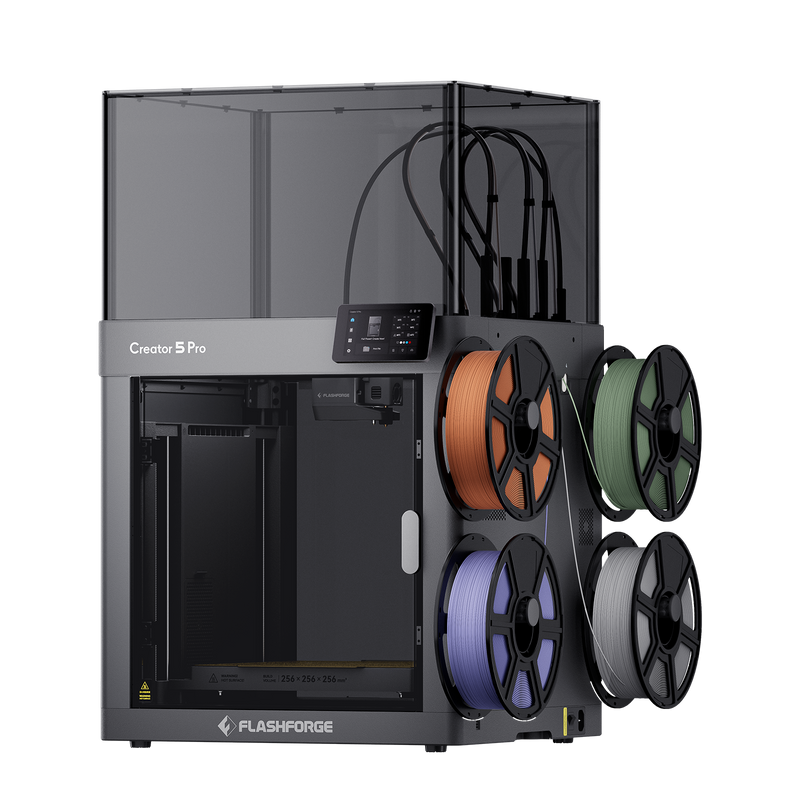
- ABS and ASA: This is where the enclosed models really shine. Because my garage gets chilly at night, open printers suffer from layer splitting with ABS. The heated chamber on my Flashforge kept the ambient temperature stable, resulting in warp-free automotive clips that actually survived being mounted in a hot car engine bay.
I also tested their proprietary slicer software alongside standard Cura profiles. While I am a creature of habit and usually stick to what I know, their software has come a long way. It is intuitive enough for beginners, but gives you enough granular control over speed, retractions, and supports if you like to tinker.
What Real Users Are Saying
Don’t just take my word for it. I spend way too much time hanging out in Reddit threads, Facebook maker groups, and Discord servers talking about gear. I wanted to see if my positive experience matched up with the broader community. Here are a few quotes from fellow makers who bought a Flashforge machine recently:
“I was terrified of getting into 3D printing because I’m not tech-savvy at all. I bought an Adventurer series printer on a whim, and it literally felt like plugging in a toaster. My kids and I have printed dozens of toys without a single failed bed adhesion issue.” — Marcus T., Ohio
“As a small business owner making custom cosplay helmet parts, reliability is my #1 priority. My Flashforge runs 18 hours a day, printing ASA and PETG. Sure, I have to do routine maintenance like swapping nozzles and cleaning drive gears, but compared to my old printer farm, this has cut my troubleshooting time in half.” — Sarah L., Oregon
“The customer service was surprisingly helpful when I cracked a side panel during a clumsy move. They shipped out a replacement part quickly. The machine itself is a workhorse, though I do wish the internal filament spool holder fit larger industrial-sized rolls without needing a printed external adapter.” — Dave K., Texas
“If you want a machine that just prints without making you become a mechanical engineer, this is it. It’s fast, reliable, and the print quality rivals machines that cost twice as much. Highly recommend checking out their current lineup.” — Elena R., Florida
Pros and Cons from My Personal Experience
Every tool has its strengths and weaknesses. I hate when reviewers pretend a product is completely flawless. Here is my unfiltered breakdown of the good and the bad after living with these printers:
The Good:
- Out-of-the-box readiness: Minimal assembly required. You won’t spend your entire weekend troubleshooting wiring diagrams.
- Enclosed design options: Great for keeping out curious pets, reducing ambient noise, and printing trickier engineering filaments like ABS or Nylon without warping.
- Reliable bed leveling: Auto-leveling features actually work well, saving you from dealing with paper and manual thumb screws.
- Sturdy build quality: Metal frames and solid components mean these machines can take a beating and keep on extruding.
The Bad:
- Proprietary parts: Some replacement parts and nozzles are specific to the brand, meaning you might not always be able to grab generic third-party upgrades off Amazon instantly.
- Spool size limitations: The internal spool holders on enclosed models often only fit standard 1kg spools. If you buy bulk 2kg or 3kg rolls, you will need to print an external side-mount holder.
- Software preference: While their native slicer is great for beginners, advanced users might still prefer tweaking profiles in PrusaSlicer or OrcaSlicer, which sometimes requires extra setup steps.
Final Verdict: Should You Buy One?
So, where do I stand after spending months testing and using these machines? If you are tired of tinkering with half-baked kits and just want a reliable tool that turns your digital designs into physical objects without a headache, Flashforge is definitely worth looking into.
They hit that sweet spot between consumer-friendly ease of use and professional-grade reliability. Whether you are a teacher setting up a makerspace in a classroom, a hobbyist printing miniatures and gadgets, or a small business owner prototyping products, there is likely a model in their catalog that fits your needs and budget.
If you want to check out their latest printer models, compare specs, or see what kind of bundles they are currently offering, I recommend heading straight to their official store. You can check out all the details and grab yours by visiting the link below.
Thanks for reading, everyone! If you have any questions about specific filaments, print speeds, or setup quirks, drop a comment below and I’ll do my best to help you out. Happy printing!